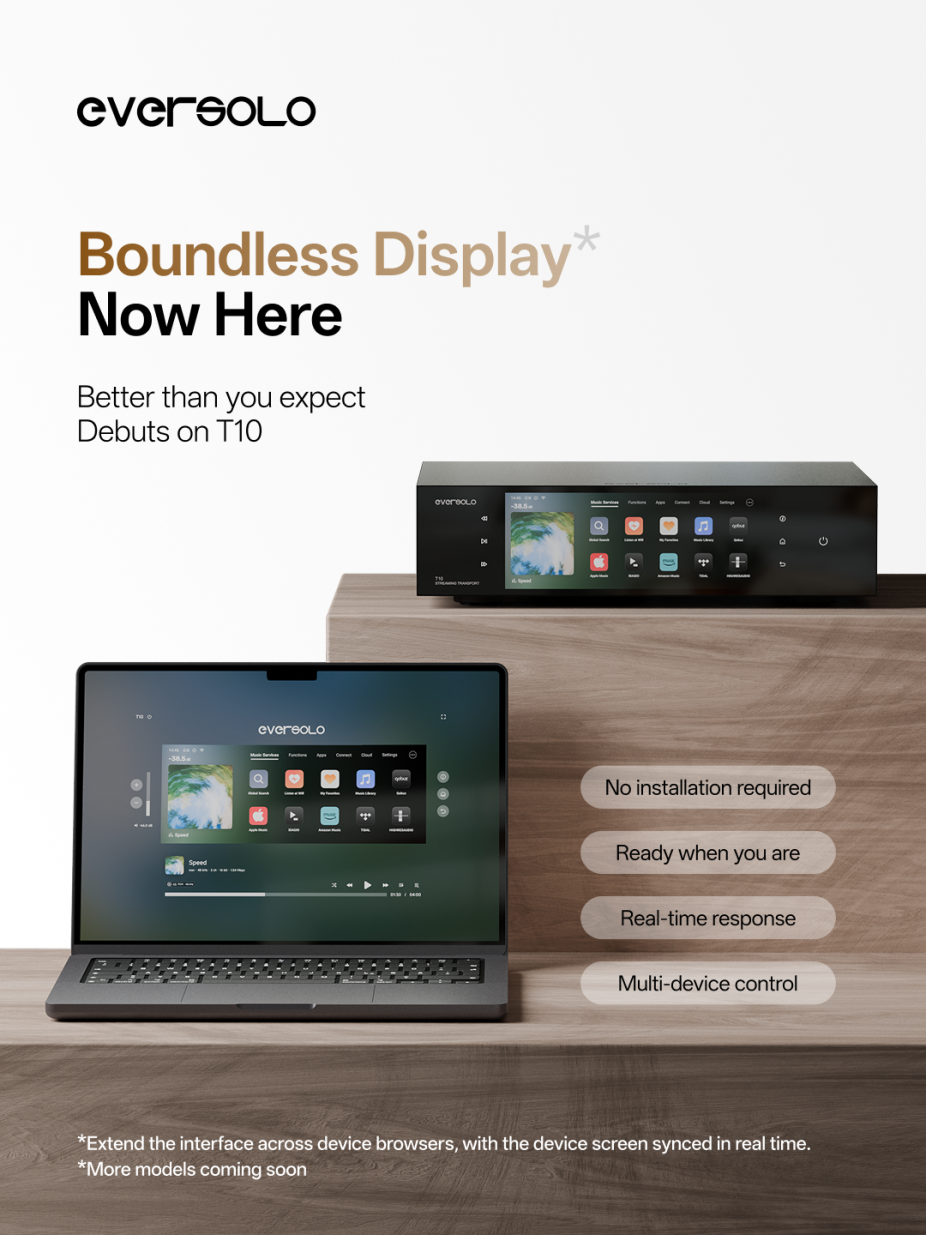
It’s now possible to control your Eversolo T10 directly from a web browser. This update also introduces Boundless Display, a new full-screen playback experience designed for larger displays. Support for additional Eversolo models will be added in future updates.
Control from Your Browser
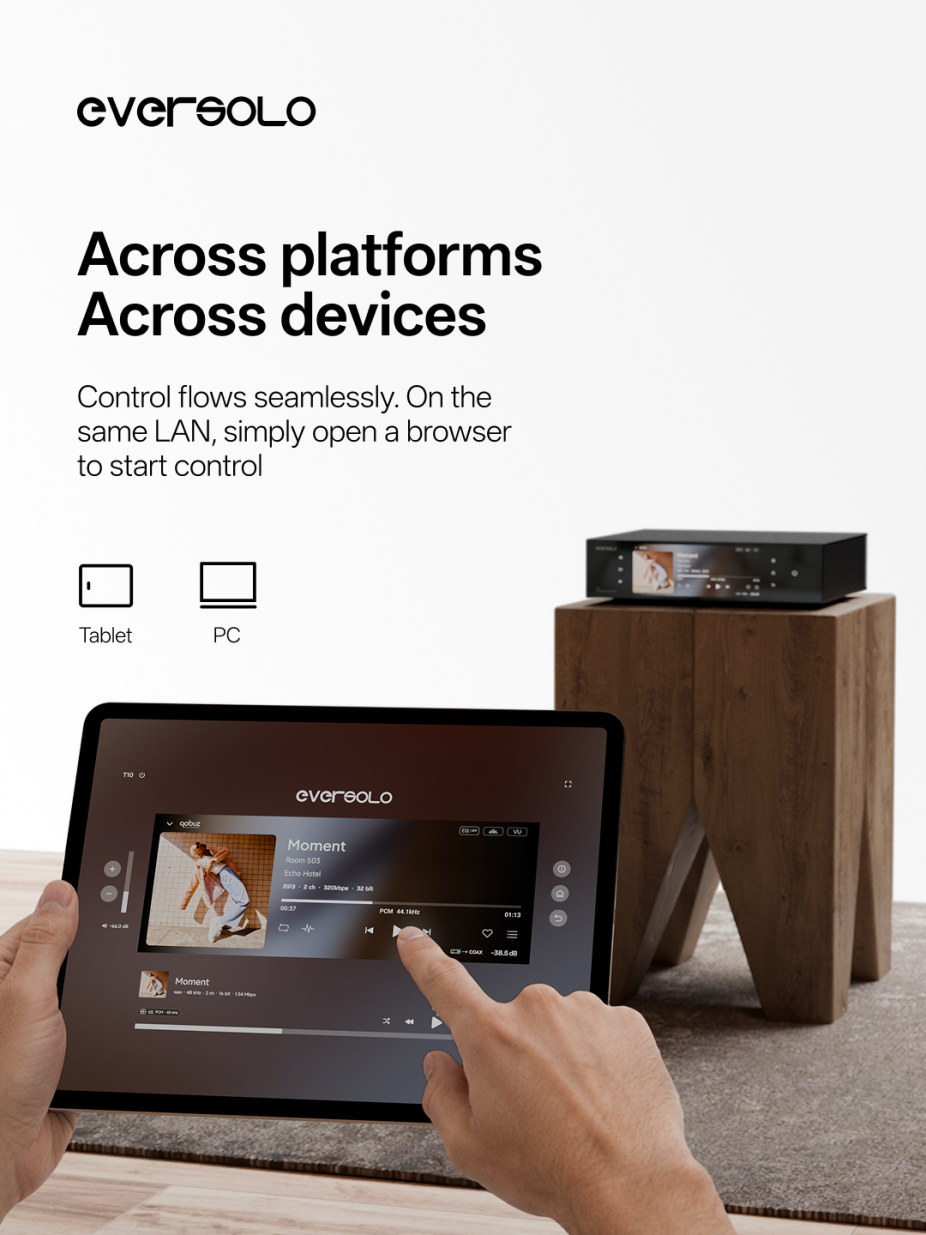
Simply open a supported web browser on a computer or tablet connected to the same local network—no additional software or app installation is required. Enter the device’s IP address in the format IP:port into a web browser to connect instantly.
The interface closely mirrors the T10’s front display, you can browse your music library, control playback, manage playlists, and adjust system settings with ease.
Designed for Multi-Device Listening
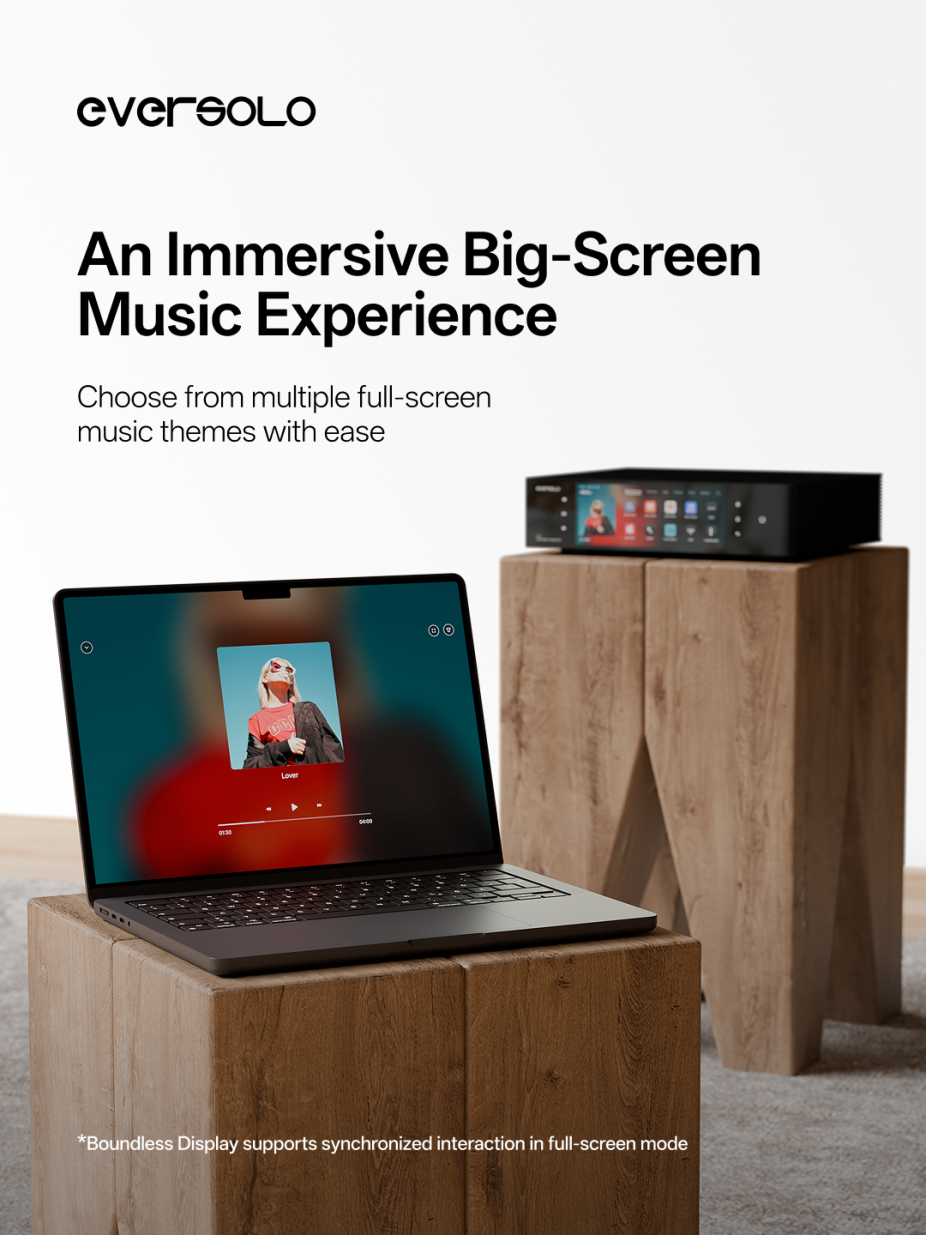
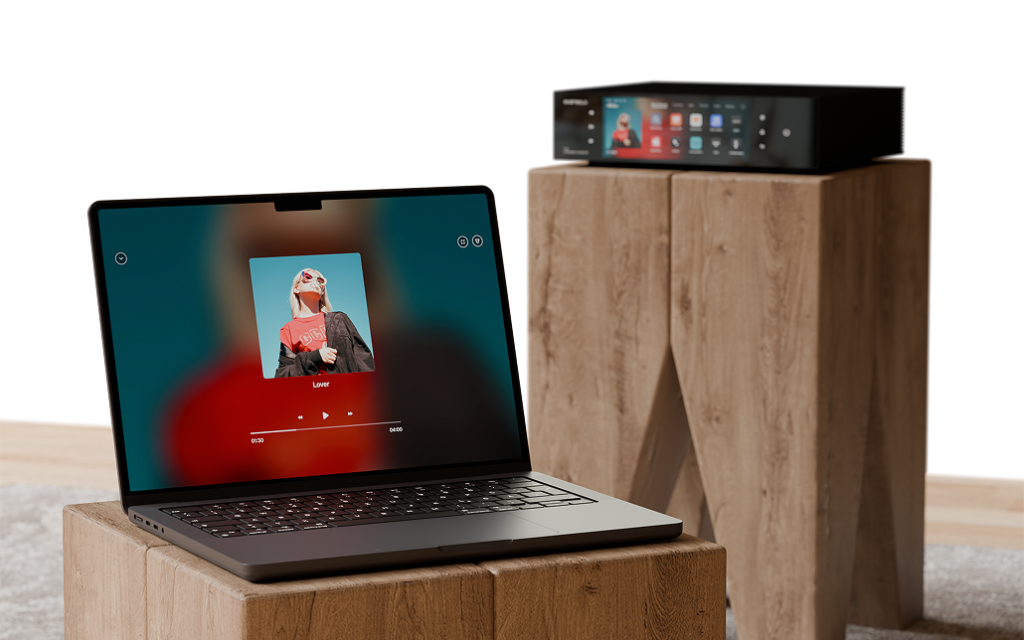
Boundless Display introduces a dedicated full-screen playback view for the web interface. In this mode, the playback screen can remain unchanged, regardless of what you’re doing on another controller or the device’s front panel. Whether you’re browsing albums, searching your library, or adjusting settings, the web interface continues displaying the full-screen playback view.
Additionally, multiple full-screen playback themes are available, allowing you to choose the style for a more immersive viewing and listening experience.